Ship faster. Prep smarter. Scale your logistics.
Compare rates, create shipping labels, and follow the next SendiFlash service launches from a single account.
Shipping Labels available now · Ecuador Shipping coming soon · FBA Prep early access
New York → Miami · 1 lb
Amazon FBA · 2,000 units
New York → Miami · 1 lb
Amazon FBA · 2,000 units
Secure payments
PCI-compliant checkout
Multi-carrier rates
Compare before you buy
Amazon FBA Prep
Managed prep service
Clear pricing
No hidden charges
Workflow-ready
Built for operations teams
Three service tracks
Three ways SendiFlash is supporting ecommerce logistics
Shipping Labels are available now, Ecuador Shipping is in preparation, and FBA Prep remains controlled early access.
Shipping Labels
Compare rates, create shipping labels, pay with wallet or card, and track shipments from one workspace.
- Compare rates
- Pay with wallet or card
- Create labels
- Track shipments
Ecuador Shipping
SendiFlash is preparing local and national shipping tools for Ecuador-focused logistics, with integrations and operations still in progress.
- Local deliveries
- National shipments
- Ecuador-focused logistics
- Early access updates
This service is still in preparation. Coverage, provider setup, and local payment options will be announced later.
FBA Prep
Managed Amazon FBA prep from SendiFlash, currently running as a controlled beta for approved accounts.
- Request early access
- Managed FBA prep services
- Quote review for approved accounts
- Track prep status in beta
Prep is not publicly open yet. Services are manually managed and may be performed by SendiFlash or logistics partners.
From packing table to pickup, every step feels visible.
SendiFlash is designed for online sellers and small teams that need a reliable way to move packages without switching between carrier portals.
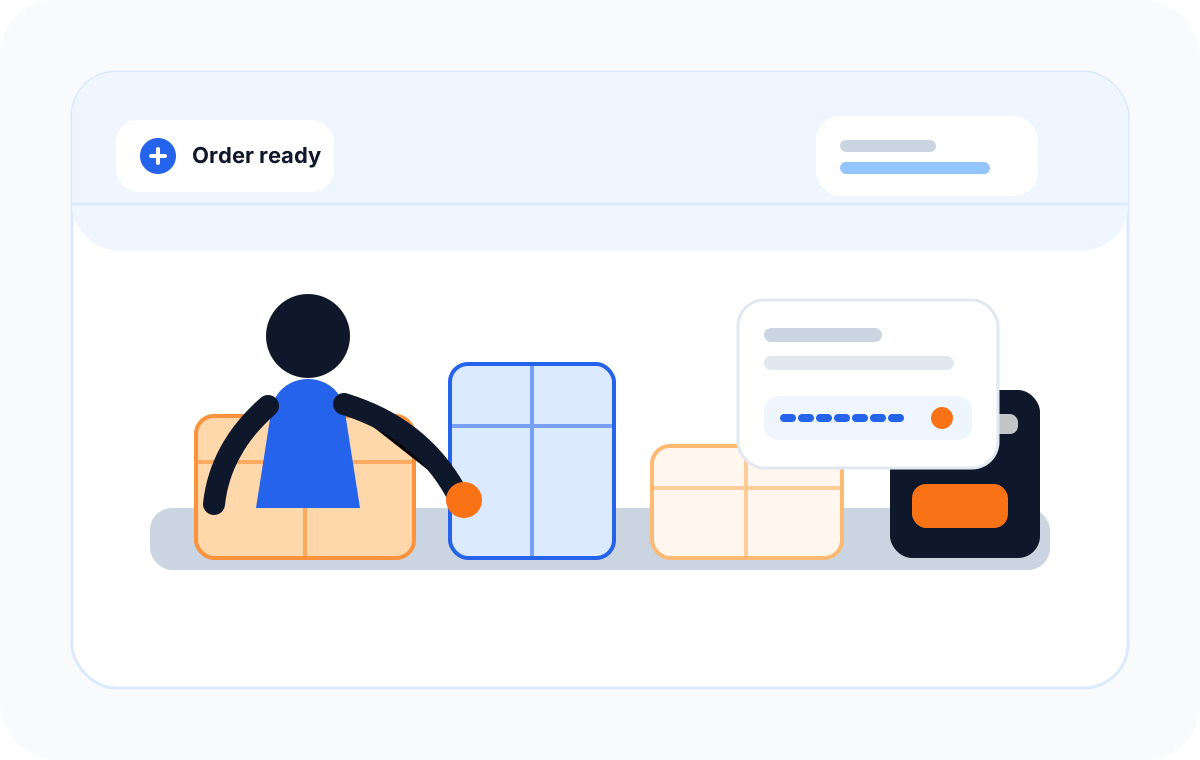
Prepare labels where orders happen
A shipping desk for addresses, parcels, rates, payment, and label downloads.
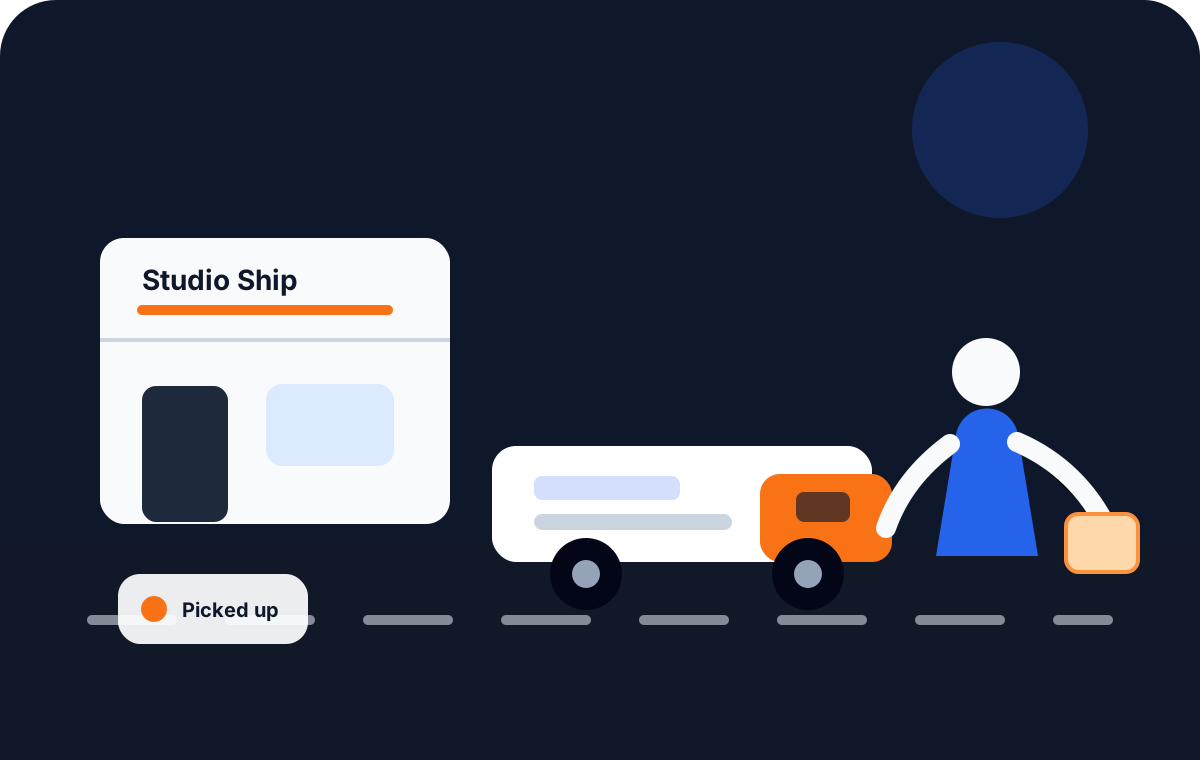
Keep pickup and delivery status in view
Track the operational handoff from packed order to shipment history.
Features
Everything you need to ship
A complete flow to compare rates, create labels, track packages, and keep your shipment history organized.
Compare shipping rates
Review carrier options side by side, then choose the service that fits the shipment.
Create labels faster
Generate print-ready labels with full shipment details, barcodes, and carrier info in seconds.
Pay securely
All payments use industry-standard security. Fees are shown upfront before you confirm.
Track label status
Follow every shipment from creation to delivery. Share tracking links with your customers.
Keep shipment history
All your labels and shipments are saved and searchable. Never lose a tracking number again.
Built for small businesses
No carrier contracts or complex setup. Create an account and start shipping right away.
Ship anywhere in the U.S. with a route that feels alive.
Follow a clean coast-to-coast route as each city highlights during transit. Domestic shipping in selected markets.
Built for fast nationwide shipping
A simple route view connects labels, pickups, transit updates, and delivery status.
Label created
Ready for handoff
How SendiFlash works
A shipping story that stays clear from cart to doorstep.
The workflow is built around the moments sellers actually care about: creating a shipment, choosing a carrier, buying the label, and tracking the package.
Current focus
Create your domestic shipment
Step 1
Create your domestic shipment
Enter addresses, parcel details, and shipping preferences in one focused flow.
Step 2
Compare carriers and rates
Review available services by cost, speed, and fit before you purchase.
Step 3
Buy your label instantly
Pay securely, download the label, and keep the receipt tied to the shipment.
Step 4
Track your package nationwide
Keep label status and tracking history visible for your team and customers.
No hidden fees. See everything before you pay.
Your total is shown before you confirm. Shipping cost, service fee, and payment fee — all visible upfront. Prep orders show a final quote before you accept.
- No monthly subscription required
- No switching between carrier portals
- Pay per label created
- Prep quote shown before acceptance
Fee breakdown
Shown before confirming your purchase
Shipping rate
Carrier rate based on route, weight, and service level
Service fee
Small platform fee included in the displayed rate
Payment fee
Standard card processing fee applied at checkout
Total at checkout
Shipping + fees, clearly itemized
Shipping desk
Compare rates before you pay
From
New York, NY
To
Chicago, IL
USPS
2–5 days · Best economy
By route
UPS
1–5 days · Ground network
By route
FedEx
1–4 days · Fast option
By route
Choose the best carrier for each shipment
Compare USPS, UPS, FedEx, and DHL by cost, service, and estimated delivery time.




Carrier names and logos are trademarks of their respective owners. Availability may vary by account, route, and provider integration. Domestic shipping in selected markets.
Seller tools
Everything ecommerce sellers need in one hub
From label creation to coming-soon Ecuador shipping information, your logistics workflow stays organized in one SendiFlash workspace.
Shipping Label Generator
Compare carrier rates and create print-ready labels for any domestic shipment.
Shipping Labels Guide
Learn how SendiFlash Shipping works — rates, payment, label downloads, and tracking.
Ecuador Shipping
See what is being prepared for local and national shipping workflows in Ecuador.
Wallet & Balance
Top up your balance and pay for labels without entering card details every time.
Sign in or create a free account to access all seller tools.
Use cases
Built for teams that ship and prep
Whether you're a solo seller or a growing operations team, SendiFlash adapts to your workflow.
Online sellers
Create labels for every order without switching carrier portals, and request early access to FBA prep from the same account.
Small businesses
Manage all your shipping from a single workspace. Balance, labels, and tracking in one place.
Amazon FBA sellers
Join the early-access list for managed FBA prep services — labeling, poly bagging, bundling, and case forwarding.
Teams managing shipments
Give your team a shared shipping workspace with full history and status visibility.
Shipping and prep managed from one SendiFlash workspace.
SendiFlash brings shipping labels, FBA prep requests, wallet payments, and shipment tracking into a single operational view for domestic ecommerce sellers.
2
services in one account
4
carrier options
24/7
status visibility
Carrier names and logos are trademarks of their respective owners. Availability may vary by account, route, and provider integration. Domestic shipping in selected markets.
FAQ
Frequently asked questions
Do I need a carrier account?
No. SendiFlash connects to carrier networks on your behalf. You just enter package details and we show available rates — no carrier accounts or contracts needed.
Can I compare rates before paying?
Yes. You always see rate options across carriers before creating a label. Review price, delivery speed, and carrier details before you confirm.
How are fees shown?
Your total includes the shipping rate, a small service fee, and a standard payment processing fee. All fees are itemized and shown before you confirm your purchase.
Can I see my label history?
Yes. All labels and shipments are saved to your account dashboard, including tracking status and label download history.
Is payment secure?
Yes. SendiFlash uses secure payment processing with industry-standard encryption. Your card details are never stored on our servers.
What is SendiFlash Prep?
SendiFlash Prep is a managed Amazon FBA prep service. You submit a prep request with unit counts and required services — such as FNSKU labeling, poly bagging, bundling, or case forwarding. Our team reviews your request, provides a final quote, and you accept and pay before work begins. Prep services are manually managed and may be performed by SendiFlash or logistics partners.
How does the FBA prep quote work?
After you submit a prep request, our team reviews the details and sends you a final quote. The quote may vary from any initial estimate based on actual unit counts and services required. You review the quote in your account, then accept and pay with your wallet balance or a card. There is no automatic charge before you accept.
Start shipping now, request Prep early access
Create an account, compare rates, and ship your first package today. FBA Prep is opening gradually for approved early-access accounts.